Penbeam
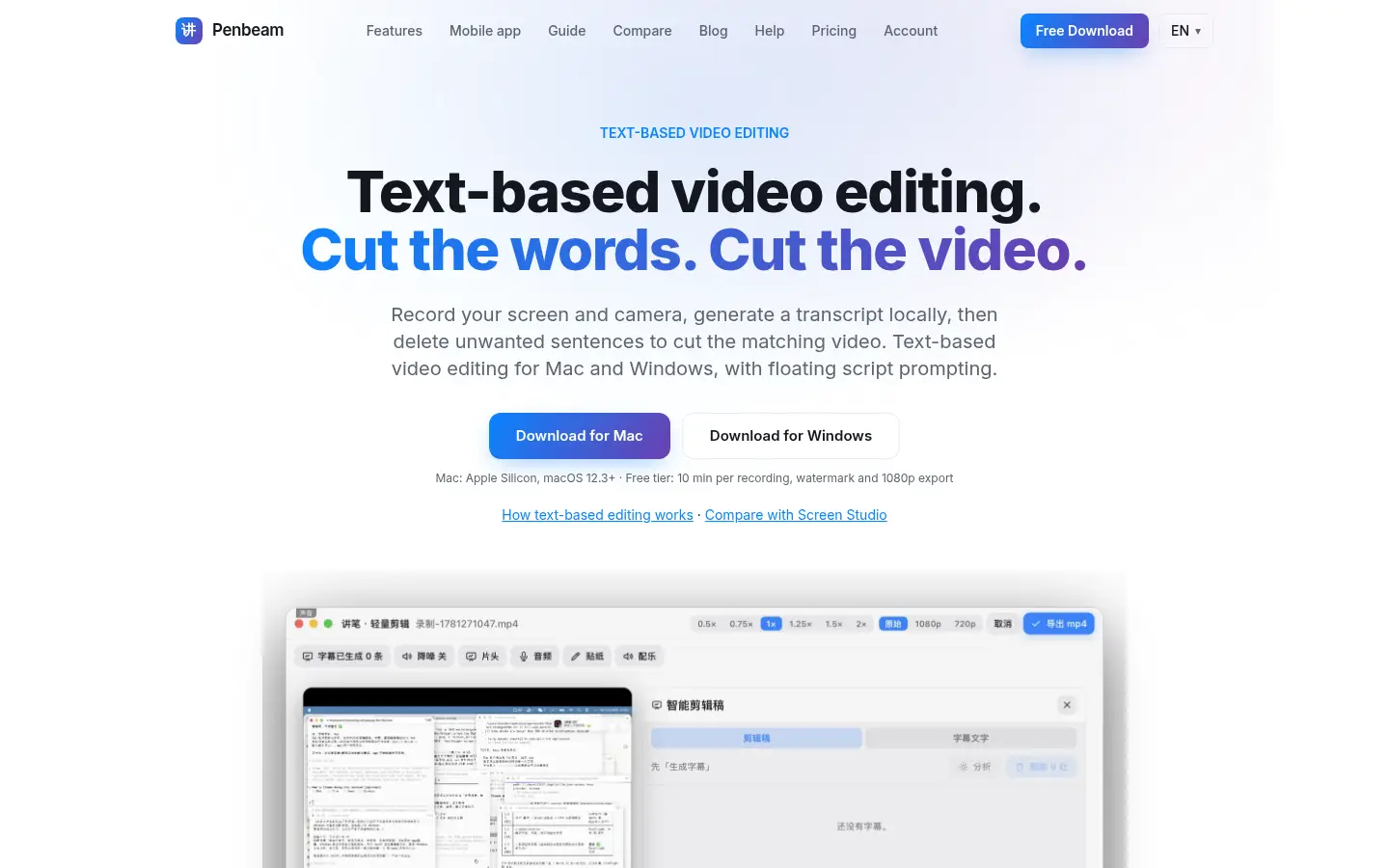
Screen recording and text-based video editing
Free limited desktop tier; optional paid ProFreemium
About
Features
- Mac and Windows screen recording
- Floating script prompting
- Local captions after model download
- Delete transcript sentences to cut video
Similar products
Compare 24 Penbeam alternativesMagic Dock
Regular US$15 lifetime or US$3/month; 48-hour free trialA new Mac Dock with widgets, themes and workspaces.
productivitydesign
Listed Nov 18, 2026Verified live
NotchNook Pro
US$19 lifetime; 48-hour free trial, no card requiredThe original notch app for Mac, taken to the next level.
developer-toolsproductivity
Listed Nov 18, 2026Verified live
TripDeputy
FreemiumAI trip planner that turns your saved spots into a day-by-day plan
productivityai
Listed Nov 18, 2026Verified live
WhatFliesWhere
FreemiumNonstop routes from 3,000+ airports, with airlines and days flown
productivity
Listed Nov 18, 2026Verified live
★ Featured
Pinned by their makers. Products in the same categories show first.
tta1
FeaturedFree with an accountDR 11Listen to any article, PDF or screenshot — text to speech in 25 languages.
saasproductivityai
Listed Oct 2, 2026Verified live
SimilarClip
FeaturedFrom $49/mo · pay-per-minute top-upsDR 13Launch a YouTube channel that runs itself
aisaasmarketingproductivity
Listed Oct 7, 2026Verified live
MCP Scoring
FeaturedFreeDR 0Score your MCP server before agents do.
developer-toolsai
Listed Nov 12, 2026Verified live
Uaask
FeaturedFrom $39/moDR 0The AI agent that knows every product you sell
saasai
Listed Sep 19, 2026Verified live